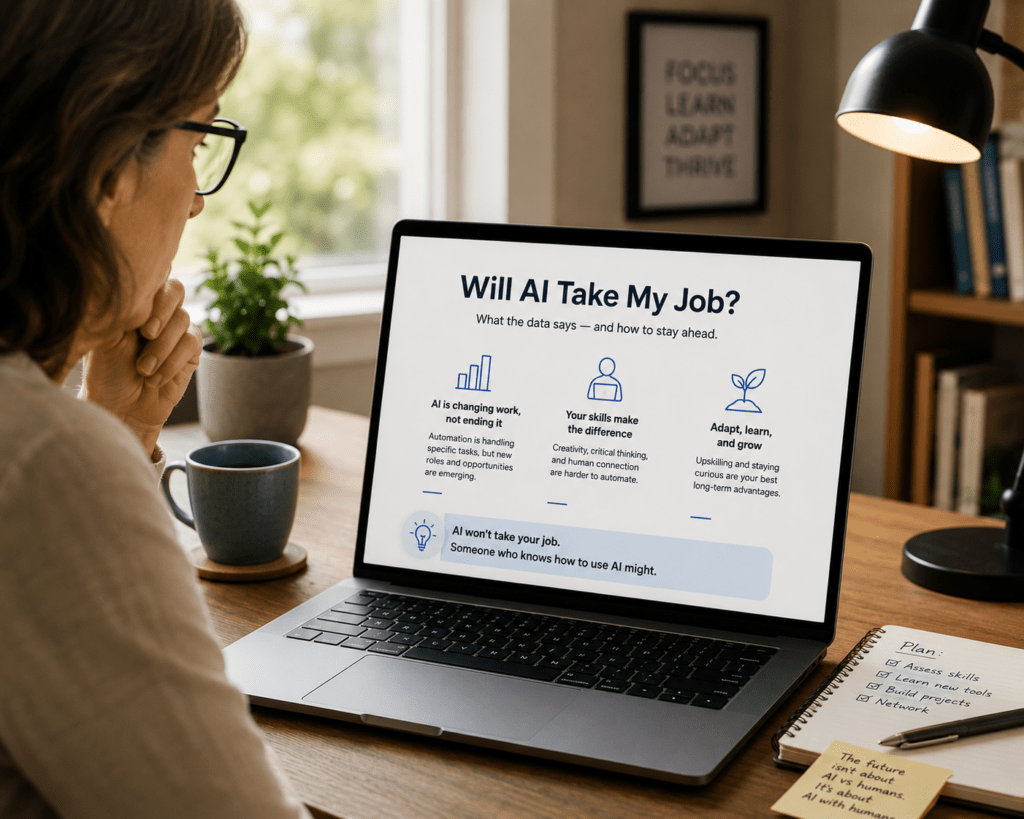
There is a particular kind of frustration that comes from reading a guide to new technology that was clearly written for people half your age. The jargon is unexplained. The assumed knowledge is extensive. The tone manages to be simultaneously patronising and confusing. And the practical question you actually wanted answered — can this genuinely help me, and if so, how do I actually start? — gets buried under enthusiasm about features you don’t care about and use cases that have nothing to do with your life. This guide to AI tools for people over 50 is written differently. It takes your actual situation seriously, explains everything that needs explaining, skips everything that doesn’t, and gives you a clear, honest picture of what AI can and cannot do for you — with specific guidance on where to start and what to realistically expect.
Why AI Tools Are Genuinely Relevant for People Over 50
Before anything else, it is worth being direct about why AI tools are worth your attention — because the technology press has done a poor job of making this case to anyone who isn’t already enthusiastic about technology.
The honest case for AI tools for people over 50 is not about keeping up with trends or preparing for a digital future. It is about practical, immediate utility. AI tools can write things you find difficult to write — letters of complaint, formal emails, applications for benefits or services — in the right tone and format, quickly. They can explain things that have become confusing — medical terms from a letter you received, legal language in a document you need to understand, tax terminology that has changed since you last dealt with it. They can help you research things — holiday destinations, health conditions, products, services — without the noise and manipulation of standard web searching. In fact, they can also help you manage information — summarising long documents, organising notes, and keeping track of complex situations involving multiple parties.
These are not abstract future benefits. They are things you can do today, with free tools that require no technical knowledge to use, in ways that most people over 50 find genuinely useful within their first session.
What AI Tools for People Over 50 Actually Look Like in Practice
The most important thing to understand about current AI tools is that they look nothing like the robots and computer terminals of science fiction. They look like a text message conversation.
You open a website — chatgpt.com, claude.ai, or gemini.google.com — sign up with your email address, and you see a screen with a text box at the bottom. You type what you want, exactly as you would type a text message or an email. The AI responds in the text area above. You reply. It responds again. That is the entire interaction.
There is no command line, no coding, and no special language to learn. If you have ever sent a text message, written an email, or used a search engine, you already have every technical skill required to use an AI tool. The only skill worth developing is knowing how to describe what you want clearly — and this guide will show you exactly how to do that.
The Most Useful Things AI Can Do for People Over 50
Rather than covering every possible AI capability, this section focuses on the specific use cases that people over 50 consistently find most valuable in practice.
Understanding medical correspondence and health information.
One of the most consistently valuable uses of AI tools for people over 50 is making sense of medical language. Letters from consultants, discharge summaries, test results, medication instructions, and information leaflets are frequently written in language that assumes a level of medical literacy most patients don’t have. AI translates this into plain English, patiently and completely.
“I received a letter from my cardiologist that says I have ‘mild left ventricular diastolic dysfunction with preserved ejection fraction.’ Can you explain what this means in plain language, what it typically implies for daily life, and what questions I should ask my doctor at my next appointment?”
This kind of question gets a clear, thorough answer in plain English — what the condition means, what it doesn’t mean, and what follow-up questions are worth asking. It does not replace your doctor’s advice, but it means you arrive at your appointment informed and able to have a more useful conversation rather than nodding along to terminology you don’t fully understand.
Writing formal letters and official communications.
Many people over 50 have dealt with more than enough formal correspondence to know how difficult it is to strike exactly the right tone — firm without being aggressive, detailed without being rambling, clear without being rude. AI produces this kind of writing reliably and quickly.
“I need to write a formal letter of complaint to my energy supplier about incorrect billing that has continued for four months despite two previous complaints. I want the letter to be firm and professional, to clearly state what has happened and what I expect them to do, and to mention that I intend to contact the energy ombudsman if this is not resolved within fourteen days. Please draft this letter.”
The resulting draft covers all the required points in the right tone, formatted as a formal letter, ready to review and send. A letter that would have taken forty-five minutes of frustrated drafting takes five minutes with AI assistance.
Researching health conditions, medications, and treatments.
When you or someone you care for receives a new diagnosis or prescription, the desire to understand more is natural — and the current information environment makes this genuinely difficult. Googling a health condition produces a mixture of medical journal articles behind paywalls, alarmist health websites, and outdated forum discussions. AI synthesises reliable information from its training data and presents it clearly.
“My GP has prescribed metformin for type 2 diabetes. Can you explain how this medication works, what the most common side effects are, what I should avoid eating or drinking while taking it, and what symptoms should prompt me to contact my GP urgently?”
This is a question that takes fifteen minutes of fragmented searching to answer partially through Google and produces a clear, comprehensive answer in thirty seconds through AI. Always verify medical information with your GP, but using AI to arrive at your appointments better informed is one of the most practically valuable applications available.
Helping with grandchildren’s homework and learning.
Many grandparents who play an active role in grandchildren’s education feel frustrated when they encounter curriculum content that has changed significantly since their own schooling — new approaches to mathematics, different historical narratives, unfamiliar scientific topics. AI explains curriculum content at any level and in any style.
“My ten-year-old granddaughter is struggling with the way her school teaches long division. It looks completely different from how I learned it. Can you explain the current method step by step so I can help her?”
Managing complex administrative situations.
Dealing with estates, benefits applications, insurance claims, care arrangements, or any complex multi-party administrative situation involves keeping track of large amounts of information and correspondence while also making decisions under pressure. AI helps by summarising complex situations, identifying what needs to happen next, drafting correspondence, and explaining the options at each decision point.
Common Concerns About AI Tools Addressed Honestly
People over 50 who are new to AI tools often have specific, reasonable concerns that deserve honest answers rather than reassurance.
“Is it safe? Will it share my personal information?”
The major AI tools — ChatGPT, Claude, Gemini — are operated by large, established technology companies with standard data security practices. They do not share your conversations with other users. However, the text of conversations may be used to improve the AI system, depending on your settings. For this reason, you should not share highly sensitive personal information — national insurance numbers, bank account details, passwords — in AI conversations. For general questions, health explanations, letter drafting, and research, the privacy risk is comparable to using any other online service. You can also check out our post on whether AI is safe.
“What if it gives me wrong information?”
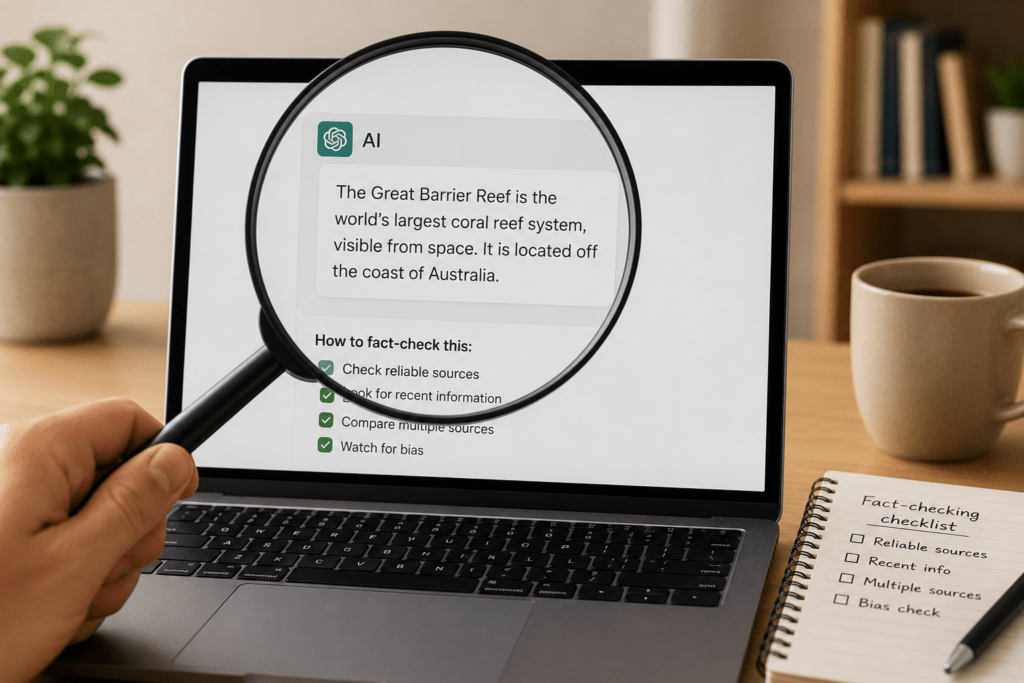
AI tools do sometimes produce incorrect information, and this is important to know. The risk is highest for specific factual claims — dates, statistics, names, current events. The risk is lower for explanations of concepts, advice on how to approach a situation, and help with writing tasks. For anything medically, legally, or financially significant, treat AI output as a starting point that informs your questions for the relevant professional, not as a replacement for that professional’s advice.
“Will I be able to learn how to use it at my age?”
The honest answer to this question is that age is not the relevant variable. The relevant variable is familiarity with typing and using online services, both of which the vast majority of people over 50 have. People in their seventies and eighties who use email and the internet use AI tools successfully from their first session. People of any age who are genuinely unfamiliar with digital technology find the initial learning curve steeper — but it is a curve measured in days, not months.
“Am I too late? Has everyone else already figured this out?”
AI tools in their current, accessible form have existed for approximately two years. The majority of people over 50 have not yet used them meaningfully. You are not late. You are among the early majority, not a straggler.
How to Start Using AI Tools for People Over 50: A Step-by-Step First Session
The following sequence produces a first AI session that is immediately useful and builds genuine confidence in the tool.
Go to claude.ai and click “Sign up.” Enter your email address and create a password. You will receive a confirmation email — click the link in it. You are now in your AI workspace.
In the text box at the bottom of the screen, type the following, adapted to something genuinely relevant to your life: “I need help writing a polite but firm email to my local council about a planning application near my home that I want to object to. The application is for [describe it briefly]. My main concerns are [list your concerns]. Please draft an objection email that is clear, professional, and includes the most relevant points.”
Read the response. If it is too formal, type: “Can you make this slightly less formal and more personal?” If it has missed a point you wanted to include, type: “Can you add a paragraph about [the missing point]?” If you are happy with it, you have your email.
That single interaction — a real task, completed well, in under ten minutes — is worth more than any amount of reading about what AI can theoretically do. The experience of having a specific problem solved immediately is what makes AI tools genuinely useful rather than theoretically interesting.
For a broader introduction to the range of things AI can help with in daily life, our guide to what AI can actually do covers the full picture, and our plain-English AI glossary explains any terminology you encounter along the way.
The Most Important Thing to Know About AI Tools for People Over 50
The most important thing to know — more important than any specific technique or tool recommendation — is that there is no wrong way to start. You cannot break the AI by asking a question it cannot answer. You cannot ask a stupid question. In fact, you cannot make a mistake that has consequences beyond getting a less useful response than you wanted.
Every interaction is a conversation. If the first response misses what you needed, you explain what you actually wanted and it tries again. If you are not sure how to phrase something, you phrase it as naturally as you can and let the AI ask clarifying questions. The barrier to getting genuine value from these tools is lower than almost any other technology you have learned to use, and the return — measured in time saved, frustration avoided, and tasks completed that previously felt difficult — is immediate and real.