So you’ve heard the hype. You’ve also heard the warnings. The real question most beginners want answered is simple: what can AI actually do that’s useful to me, right now, in my daily life?
In reality, the honest answer sits somewhere between the breathless enthusiasm and the dire warnings. As we covered in our introduction to AI, these tools can do genuinely impressive things. They also have clear limitations that are worth knowing before you rely on them. This guide covers both sides — what AI actually does well, where it falls short, and how to get real value from it starting today.
What AI Actually Does Well
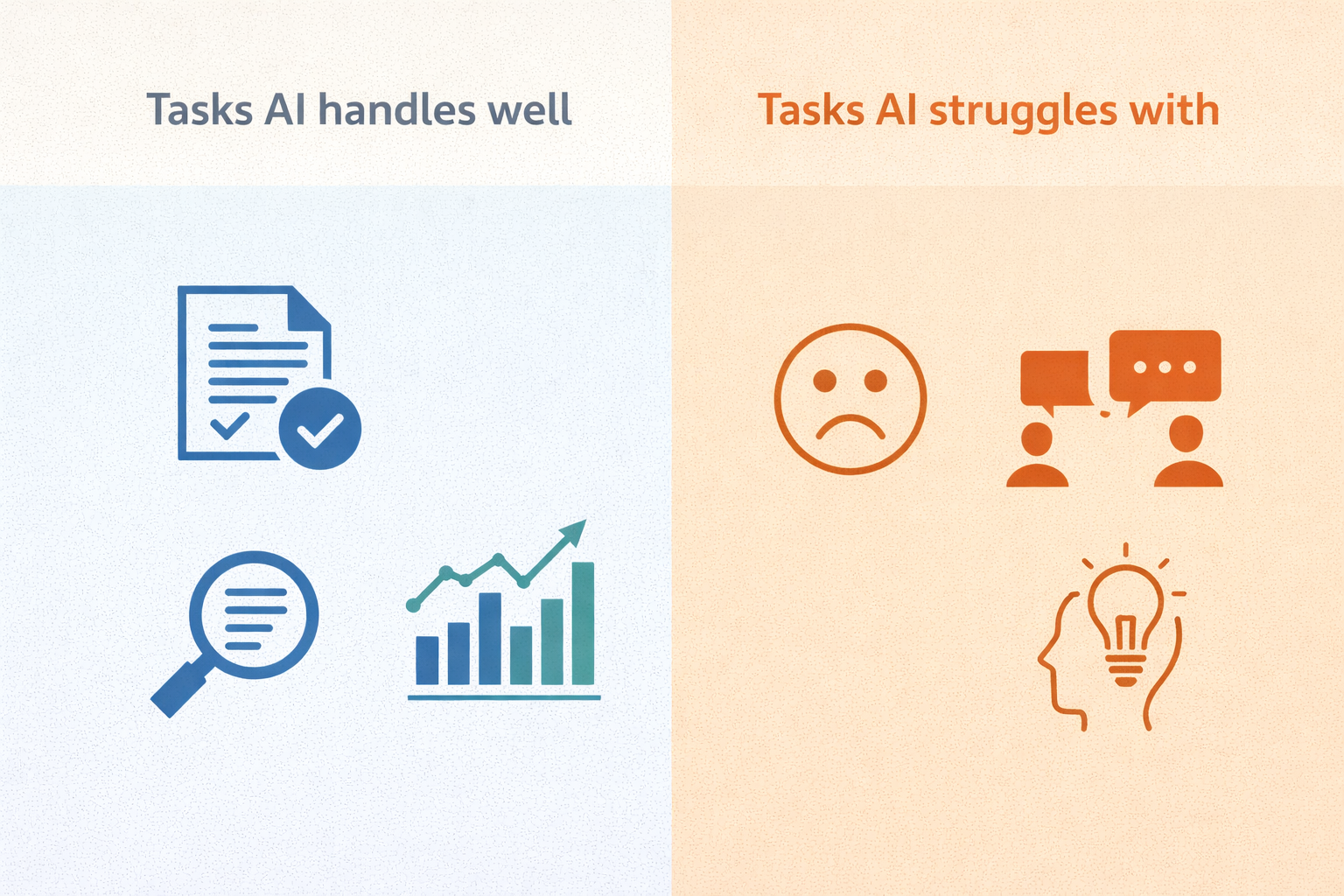
Understanding what AI can actually do starts with the tasks where it consistently delivers strong results. These are not edge cases or demos. These are things millions of people use AI for every single day.
Writing and Drafting
AI tools excel at writing tasks. They draft emails, cover letters, product descriptions, social media posts, blog outlines, and speeches quickly and competently. You give them context — the purpose, the tone, the audience — and they produce a solid first draft in seconds.
Of course, this does not mean the output is always perfect. It means you spend ten minutes editing a draft instead of thirty minutes staring at a blank page. For anyone who writes regularly as part of their job, this alone saves hours every week.
Summarising Long Content
Paste a long article, report, contract, or email thread into an AI tool and ask it to summarise the key points. It does this extremely well. What would take you twenty minutes to read and digest comes back in a clear, structured summary within seconds.
As a result, this is one of the most practically useful things AI can actually do for busy people. Lawyers, managers, researchers, and students use this capability constantly.
Explaining Complicated Things Simply
Ask AI to explain a complex topic in plain language and it delivers. Medical terms, legal clauses, financial concepts, technical jargon — AI breaks them down clearly and adjusts the explanation to whatever level you ask for.
Try asking it to “explain this like I’m twelve” or “explain this without any technical terms.” The results are consistently impressive.
Answering Questions Directly
Google gives you ten links. AI gives you an answer. For many everyday questions, this is faster and more useful than a traditional search. Instead of clicking through multiple pages to piece together an answer, you get a direct response you can follow up on immediately.
Brainstorming and Idea Generation
AI tools are excellent thinking partners. Ask for ten ideas for a birthday party theme, five angles for a work presentation, or three approaches to a difficult conversation you need to have. It generates options quickly. You evaluate and choose.
In particular, this is useful when you’re stuck and need a starting point. AI does not replace your judgment — it gives you raw material to work with.
Writing and Debugging Code
For people who write code, AI tools are transformative. They write functions, explain errors, suggest fixes, and translate code between programming languages. Even for non-developers, AI can write simple scripts for automating repetitive tasks without any technical knowledge required on your part.
Translation and Language Tasks
AI handles translation between dozens of languages competently. It also rewrites content in different tones — more formal, more casual, more persuasive — on request. For anyone working across languages or communication styles, this is a daily time-saver.
Where AI Falls Short
Knowing what AI cannot actually do is just as important as knowing what it can — and many of the biggest myths about AI stem from not understanding this distinction. These limitations are real and consistent across all major tools.
It Makes Things Up
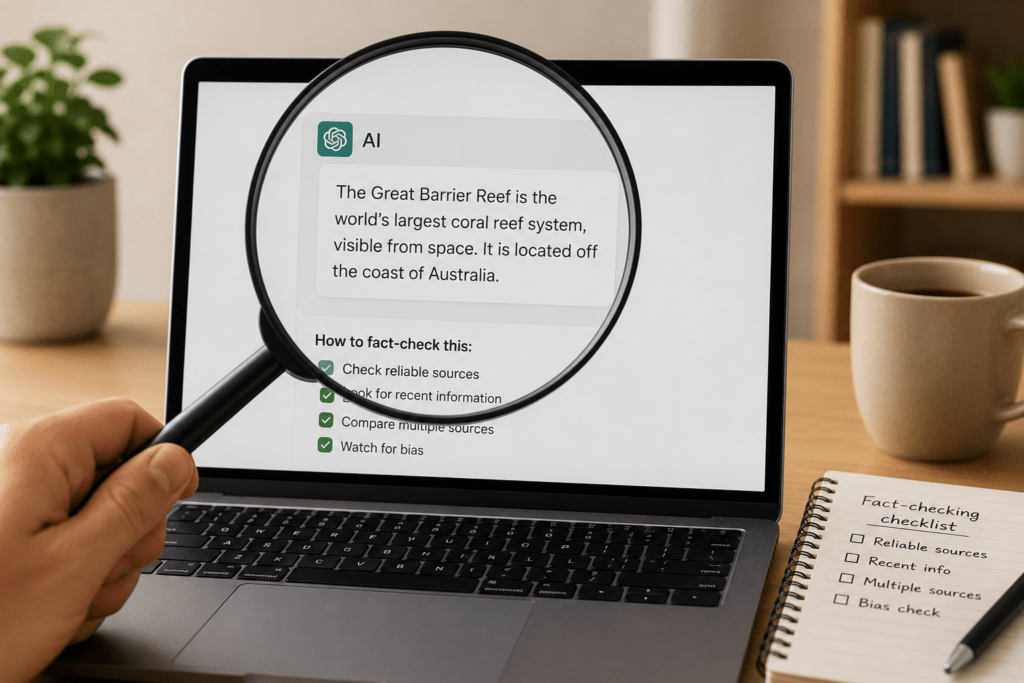
This is the most important limitation to understand. AI tools hallucinate — they generate confident, fluent, completely false information. Made-up statistics. Fake citations. Incorrect dates. Historical events that never happened.
Crucially, the AI does not know it is wrong. It produces the most plausible-sounding response based on its training, and sometimes that response is fiction presented as fact.
Always verify any specific factual claim AI makes before you use it professionally or share it with others.
It Does Not Know What Happened Recently
Most AI tools have a training cutoff — a point in time beyond which they have no knowledge. Ask about events after that date and you either get outdated information or a hallucinated answer. Tools with web search enabled — like Gemini and ChatGPT with search turned on — can look up current information, but even then the results need checking.
It Cannot Replace Professional Expertise
AI can explain what a legal clause means in plain English, but it cannot give you legal advice. Similarly, it describes symptoms and common causes of a medical condition competently — yet diagnosing your specific situation is beyond what it can reliably do. Financial principles are another area where AI provides useful general context. However, your specific financial situation requires a qualified professional who understands your full circumstances.
For any decision with significant consequences — legal, medical, financial, or otherwise — use AI to inform yourself, then consult a qualified professional.
Therefore, for any decision with significant consequences — legal, medical, financial, or otherwise — use AI to inform yourself, then consult a qualified professional.
It Struggles With Precise Numbers and Calculations
AI tools are not calculators. They handle simple arithmetic competently but make errors on complex calculations, data analysis, and anything requiring precise numerical reasoning. If you need accurate numbers, verify them independently or use a dedicated tool.
It Has No Memory Between Conversations
Start a new conversation and the AI remembers nothing from your previous sessions — unless the tool has a memory feature enabled. Every new chat begins from scratch. This means you sometimes need to re-explain your context at the start of each session.
It Cannot Always Take Actions Reliably
AI agents — a newer category of AI tools — can take real-world actions. Claude’s Cowork feature can manage files on your desktop. ChatGPT’s Operator mode can browse websites and complete tasks on your behalf. Gemini can interact with Google Workspace apps directly. Specialist AI agents can send emails, book appointments, fill in forms, and interact with other software autonomously.
However, these agentic capabilities are still maturing. They work well on structured, predictable tasks and fail on complex ones that require nuanced judgment. They can misinterpret instructions, click the wrong thing, or get stuck mid-task. Treating an AI agent as fully autonomous for anything consequential — a financial transaction, a professional communication, a booking with real costs — is premature without human review of the outcome.
The practical position for most beginners in 2026 is this: standard AI chatbots read and write. AI agents can act, but need supervision. Neither is set-and-forget.
The Most Useful Things Beginners Can Do With AI Today
Now that you know what AI can actually do and where it falls short, here are the highest-value starting points for someone new to these tools.
Draft your next difficult email. Describe the situation, the recipient, and the tone you want. Let AI produce a draft. Edit it into your voice. This alone is worth five minutes of your time today.
Summarise something long you’ve been avoiding. That report sitting in your inbox. That article you bookmarked three weeks ago. Paste it in and ask for the key points.
Ask it to explain something confusing. A tax term. A clause in your insurance policy. A concept your colleague mentioned that you didn’t want to admit you didn’t understand.
Use it as a thinking partner. Describe a decision you’re wrestling with. Ask it to lay out the considerations on both sides. You’ll often find it surfaces angles you hadn’t thought of.
Ask it to improve something you’ve written. Paste in a paragraph or an email draft and ask for a clearer, more concise version. Compare the two and take what works.
The Realistic Takeaway
AI tools are genuinely powerful for a specific category of tasks — writing, summarising, explaining, brainstorming, and answering questions. They are not all-knowing, they are not always accurate, and they are not a replacement for professional judgment.
So use them for what they do well. Verify what matters. Treat them as a capable assistant rather than an infallible authority. That mindset will serve you far better than either uncritical trust or blanket avoidance.
The best way to understand what AI can actually do is to try it on a real task today. If you haven’t started yet, our beginner’s guide walks you through everything in under five minutes.