If you’re looking for a guide on how to start using AI for beginners, you’re in the right place — and the good news is it’s simpler than you think. Most people who haven’t tried AI tools yet are waiting for the right moment. Maybe they’re waiting until they understand it better, or until they have more time, or until someone shows them how. The truth is that AI is one of the easiest things to start using — and if you’re not sure what AI actually is yet, start with our plain-English explanation first. If you can type a sentence, you can use AI.
This guide is built around one goal: showing you how to start using AI for beginners in the most practical way possible. No coding, no setup, no experience needed.
Step 1: Choose Your First AI Tool for Beginners
The biggest mistake beginners make is trying to research all the options before starting anything. ChatGPT, Claude, Gemini, Perplexity — the list of AI tools is long and it grows every week. If you spend your first hour comparing them, you’ll end up more confused than when you started and still haven’t actually used anything.
Pick one. Start there. You can try others later.
If you have no preference, start with ChatGPT. It’s the most widely used AI tool in the world, has the largest community of users sharing tips online, and its free tier is genuinely useful for everyday tasks. Go to chatgpt.com.
If you’re a heavy Google user — Gmail, Docs, Drive — start with Gemini instead. Go to gemini.google.com.
If your priority is writing quality and document analysis, start with Claude. Go to claude.ai.
All three are free to sign up for. None of them require a credit card to get started.
Not sure which one is right for you? Read our full ChatGPT vs Gemini vs Claude comparison before you sign up.
Step 2: Create a Free Account — How to Start Using AI for Beginners in Minutes
Learning how to start using AI for beginners always begins here — creating a free account on whichever platform you chose. It takes about two minutes and works the same way as signing up for any other website.
For ChatGPT: go to chatgpt.com, click “Sign up,” and enter your email address. You can also sign up using an existing Google or Microsoft account, which is even faster.
For Gemini: if you already have a Google account — which you do if you use Gmail or YouTube — you’re essentially already set up. Go to gemini.google.com and sign in with your Google account.
For Claude: go to claude.ai, click “Sign up,” and enter your email address or sign in with Google.
Once you’re in, you’ll see a simple chat interface that looks like a messaging app. There’s a text box at the bottom where you type, and the AI’s responses appear above. That’s the entire interface. There’s nothing complicated to navigate or configure before you start.
Step 3: Ask Your First Question — How to Start Using AI for Real Tasks
Here’s where most first-time users go wrong: they type something vague or test-like to see what the AI does. Something like “tell me something interesting” or “what can you do?” These are fine, but they don’t show you why AI is actually useful.
Instead, ask it something you actually want to know or do. Something from your real life, right now.
Here are some examples of genuinely useful first questions:
“Can you help me write a professional email declining a meeting invitation? Keep it polite and brief.”
“I have a job interview at a marketing agency next week. What questions should I prepare for?”
“Can you explain what a fixed-rate mortgage is in simple terms? I’m trying to decide if it’s right for me.”
“I need to write a thank-you message for a colleague who helped me with a project. Can you give me a few options?”
“What’s the difference between a traditional ISA and a stocks and shares ISA?”
Notice what these have in common: they’re specific, they’re real, and they’re the kind of tasks that normally take you fifteen minutes of thinking or Googling. AI answers them in seconds.
Step 4: Treat It Like a Conversation
The most important thing to understand about AI tools is that they work best as a back-and-forth conversation, not a single question followed by acceptance of whatever comes back.
If the first response isn’t quite right, tell it. Say “that’s a bit too formal, can you make it more casual?” or “this is too long, can you shorten it to two sentences?” or “I don’t understand the third paragraph, can you explain that differently?”
The AI will refine its answer based on your feedback. This is how experienced AI users get great results — not by writing the perfect question the first time, but by having a conversation and steering the output toward what they actually want.
You can also ask follow-up questions. If it explains something and you want more detail on one part, just ask: “Can you tell me more about the part where you mentioned X?” The AI remembers the whole conversation and can build on it.
Step 5: Try Different Tasks to See What AI Can Do for Beginners
Once you’ve had your first successful interaction, spend a few minutes exploring what else AI can do. The range is wider than most people expect.
Try asking it to summarise something — paste in a long article or email and ask “can you give me the three key points from this?” Watch how quickly it distils the information.
Try asking it for help with a decision — describe a situation you’re weighing up and ask it to lay out the pros and cons. It won’t make the decision for you, but it will often surface considerations you hadn’t thought of.
Try asking it something you’d normally Google — but instead of sifting through multiple websites and ads, you get a direct, conversational answer.
Try asking it to improve something you’ve already written — paste in a paragraph and ask “can you make this clearer and more concise?”
Each of these takes less than two minutes, and each one gives you a sense of a different dimension of what AI can do.
Step 6: Know What to Do When It Gets Something Wrong
AI tools make mistakes. This is important to know not because it should put you off using them, but because knowing it helps you use them safely.
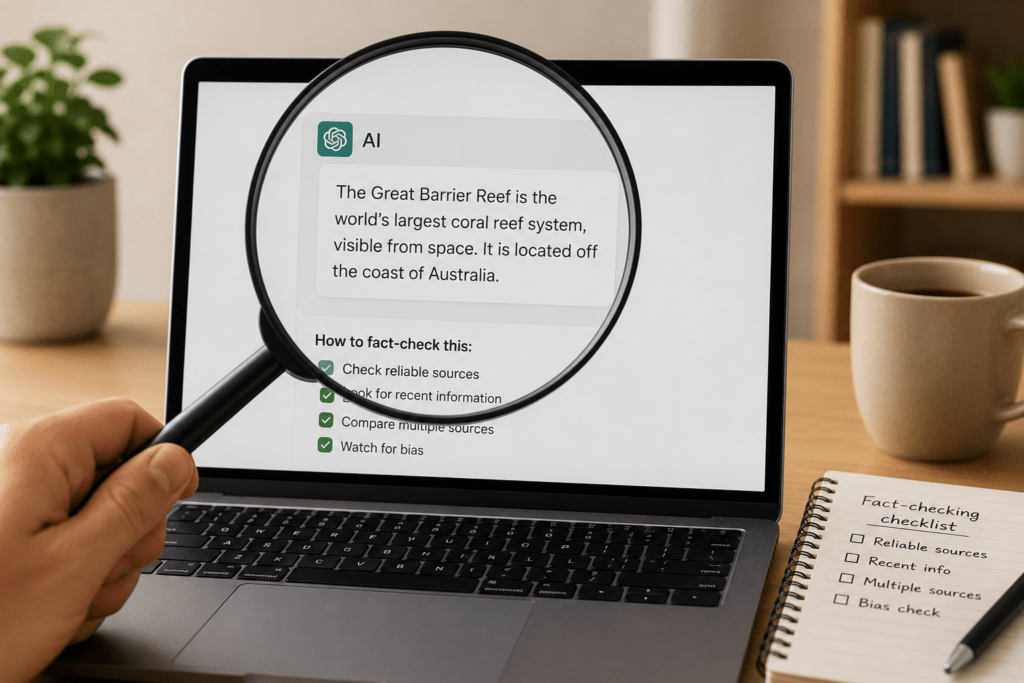
The most common mistake is called a hallucination — the AI generates a confident-sounding answer that is factually wrong. It doesn’t know it’s wrong. It just produces the most plausible-sounding response based on its training, and sometimes that response is inaccurate.
The practical rule is simple: for anything important — medical information, legal details, financial decisions, or facts you’re going to share with other people — always verify the answer independently. Use AI as a starting point, not a final source.
For low-stakes tasks like drafting an email, brainstorming ideas, or explaining a concept you just want to understand, the occasional error doesn’t matter much. You’ll be reading and editing the output anyway.
The Most Important Thing to Know About How to Start Using AI for Beginners
The most important thing to remember about how to start using AI for beginners is that you don’t need to study anything first. You don’t need to take a course, read a guide, or learn any special technique before you begin. The best way to learn is to use it.
Every interaction teaches you something. You’ll quickly develop an instinct for how to phrase things to get better results, which tool works best for which tasks, and where the limits are. That intuition comes from using it, not from studying it.
Start today. Sign up for one free tool, ask it something real, and see what comes back. The learning curve is shorter than you think.