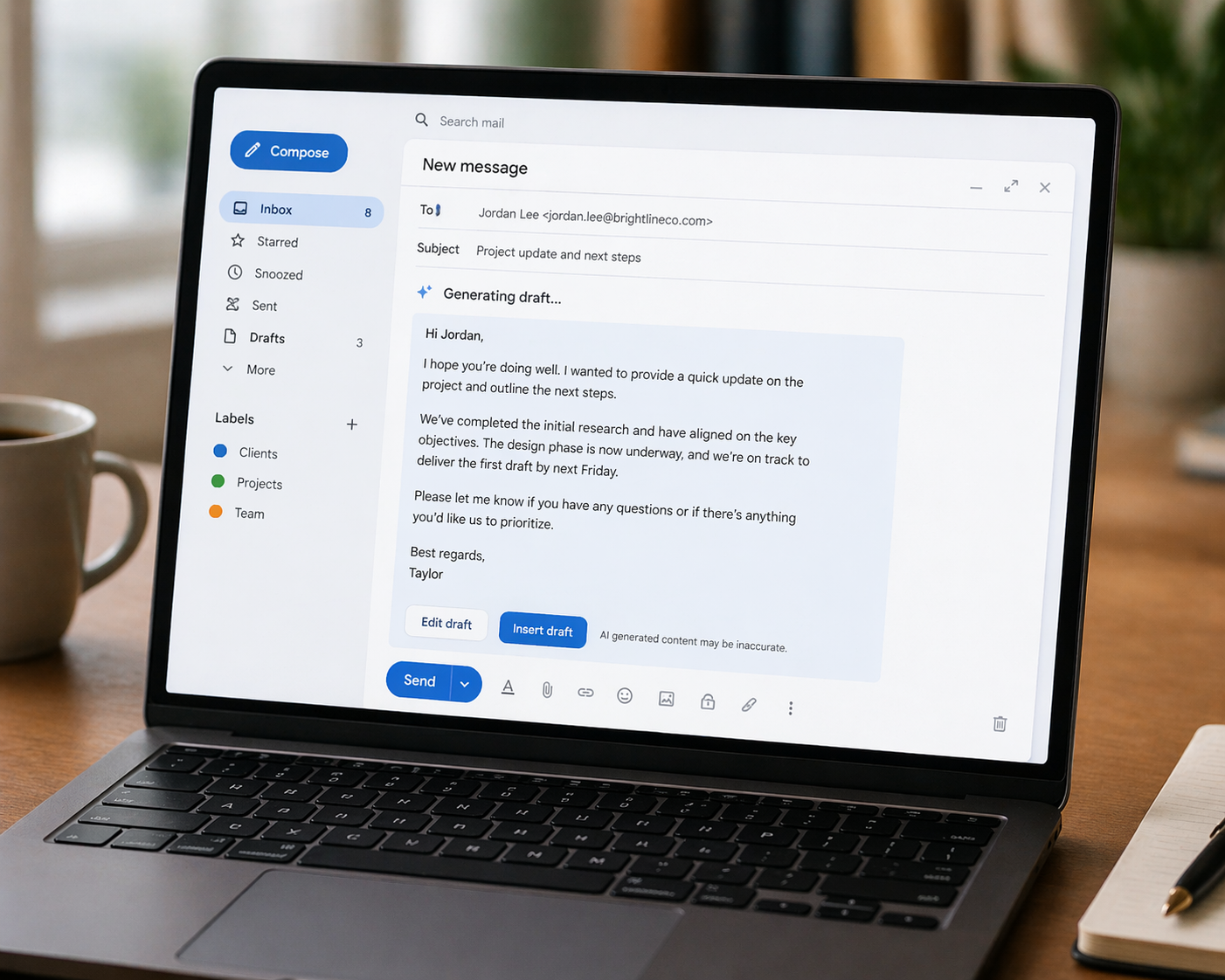
Email is one of the biggest time drains in modern work life — and it is also one of the areas where learning how to use AI to write emails faster delivers the most immediate, practical return. The average professional spends nearly a third of their working day in email. AI can cut a significant portion of that time without sacrificing quality, professionalism, or your own voice. This guide shows you exactly how.
If you’re new to AI tools entirely, our beginner’s walkthrough is worth reading first.
Why AI Is Particularly Good at Email
Email has a clear structure, a defined purpose, and established conventions of tone and format. These characteristics make it an ideal task for AI. Unlike creative writing — where personal style and originality are central — email writing is largely formulaic. Most emails follow recognisable patterns: request, response, follow-up, apology, introduction, update, decline.
AI tools have been trained on enormous amounts of professional communication. As a result, they understand these patterns deeply and can produce competent first drafts of most email types in seconds. The question is not whether AI can write emails — it clearly can — but how to use it in a way that produces output that actually sounds like you.
How to Use AI to Write Emails Faster: The Basic Approach
The simplest way to use AI for email is also the most effective. Describe the email you need in plain terms, give the AI the relevant context, specify the tone, and let it draft. Then read, edit, and send.
Here is a practical example. Instead of staring at a blank compose window trying to figure out how to follow up on an unanswered proposal, you type this into Claude or ChatGPT:
“Write a polite follow-up email to a potential client who hasn’t responded to my proposal sent two weeks ago. The tone should be warm but professional. Keep it under 100 words. End with a clear but low-pressure call to action.”
What comes back is a complete, ready-to-edit draft. Your job then is to read it, adjust anything that doesn’t match your voice or the specific situation, and send. The whole process takes two to three minutes instead of fifteen.
For more on writing effective AI instructions, our prompting guide covers the technique in detail.
Getting the Tone Right
The most common concern people have about using AI for email is sounding robotic or impersonal. This is a legitimate concern — but it is entirely avoidable with the right approach.
Several techniques consistently produce more natural-sounding AI email drafts. First, always specify the tone explicitly. “Professional but warm,” “direct and concise,” “friendly but not casual,” “firm but respectful” — these tone instructions make a significant difference to the output.
Second, paste in a sample of your own writing and ask the AI to match it. Tell it: “Write in a tone similar to this example email I’ve written before: [paste example].” This technique produces output that sounds far more like you than a generic draft would.
Third, always edit before sending. Even a small change — adjusting one sentence, swapping a word, adding a personal detail — makes the email feel genuinely yours rather than machine-generated. The AI handles the structural heavy lifting; you add the human touch.
Specific Email Types AI Handles Particularly Well
Some email tasks benefit from AI assistance more than others. Here are the most valuable applications.
Difficult emails. Declining a request, delivering bad news, raising a complaint, chasing an overdue payment — these emails are emotionally difficult and easy to procrastinate on. AI removes the blank-page anxiety by producing a draft you can react to rather than create from scratch.
Formal emails. Cover letters, business introductions, client proposals, and official correspondence benefit from AI’s strong grasp of formal register. These emails have clear conventions that AI follows well.
High-volume repetitive emails. If you send similar emails repeatedly — booking confirmations, routine updates, standard responses to common questions — AI can produce templates you adapt slightly each time rather than rewriting from scratch.
Emails in a second language. For anyone communicating professionally in a language that is not their first, AI is particularly valuable. It handles grammar, phrasing, and register far more reliably than translation tools alone.
What to Avoid When Using AI for Email
A few common mistakes undermine the quality of AI-written emails and are worth avoiding.
Do not send AI drafts without reading them. AI occasionally misses subtle context, uses slightly off-register phrasing, or includes generic filler sentences. A thirty-second review catches these issues before they reach your recipient.
Do not use AI for highly sensitive or confidential emails. As covered in our guide to AI safety, pasting sensitive information into a consumer AI tool carries data privacy implications worth understanding.
Do not rely on AI for emails where the personal relationship is the point. A condolence message, a heartfelt congratulation, a deeply personal note — these benefit from genuine human expression, not AI assistance.
A Practical Workflow for Daily Email
Here is a simple workflow for integrating AI into your daily email routine without overthinking it.
Open your AI tool of choice alongside your email client. When you need to write an email, spend thirty seconds describing what you need — the recipient, the purpose, the tone, the length. Paste in the draft, read it quickly, make two or three edits, and send. Reserve AI for emails that take you more than five minutes to write or that you’re finding yourself putting off. For quick, casual emails to people you know well, write them yourself — the overhead of prompting AI isn’t worth it for a two-sentence message.
Used selectively and thoughtfully, AI reduces your email burden significantly without removing your voice from your professional communication.