You’ve heard the word everywhere. On the news, in your workplace, from your kids. Artificial intelligence — AI — seems to be the answer to everything right now. But what actually is it? And do you need to care?
The honest answer: yes, you probably do. But it’s nowhere near as complicated as the tech world makes it sound. This guide cuts through all the jargon and tells you what AI actually is, what it can do for you right now, and how to start using it without a single line of code or a computer science degree.
Let’s Start With What AI Is Not
Before explaining what AI is, it helps to clear up what it isn’t — because most people’s mental image is completely wrong.
AI is not a robot that thinks like a human. It’s not HAL 9000 from 2001: A Space Odyssey. It doesn’t have feelings, motivations, or plans to take over the world. It’s also not magic, and it’s definitely not infallible.
AI is, at its core, a very powerful pattern-matching system. It has been trained on enormous amounts of text, images, code, and data — and it has learned to recognise patterns in all of that information well enough to generate useful responses to your questions.
Think of it like this: if you read every cookbook ever written, you’d get very good at suggesting recipes. You wouldn’t understand food the way a chef does, but you’d be remarkably useful in a kitchen. That’s roughly what modern AI does — at scale, and very fast.
So What Is “Generative AI” Exactly?
You’ll often hear the phrase generative AI used alongside names like ChatGPT, Claude, and Gemini. Generative AI refers specifically to AI that creates things — text, images, code, audio — rather than just analysing or sorting existing data.
When you type a question into ChatGPT or Claude and get a paragraph back, that’s generative AI at work. It has generated a response based on the patterns it learned during training. It hasn’t looked up your answer in a database the way Google does — it has essentially composed a response on the fly.
This is what makes it so flexible and, frankly, so impressive. You can ask it to write an email, summarise a document, explain a legal clause, plan a holiday, or debug a spreadsheet formula — and it will give you a coherent, useful answer each time.
The Main AI Tools You’ll Hear About
Right now, there are four names you’ll encounter most often:
ChatGPT (made by OpenAI) is the one that started the mainstream AI wave in late 2022. It’s the most widely used, holding around 60% of the AI chatbot market as of early 2026, and it’s a solid all-rounder. It handles writing, research, answering questions, and even generating images. Most people start here because it’s the name they’ve heard most.
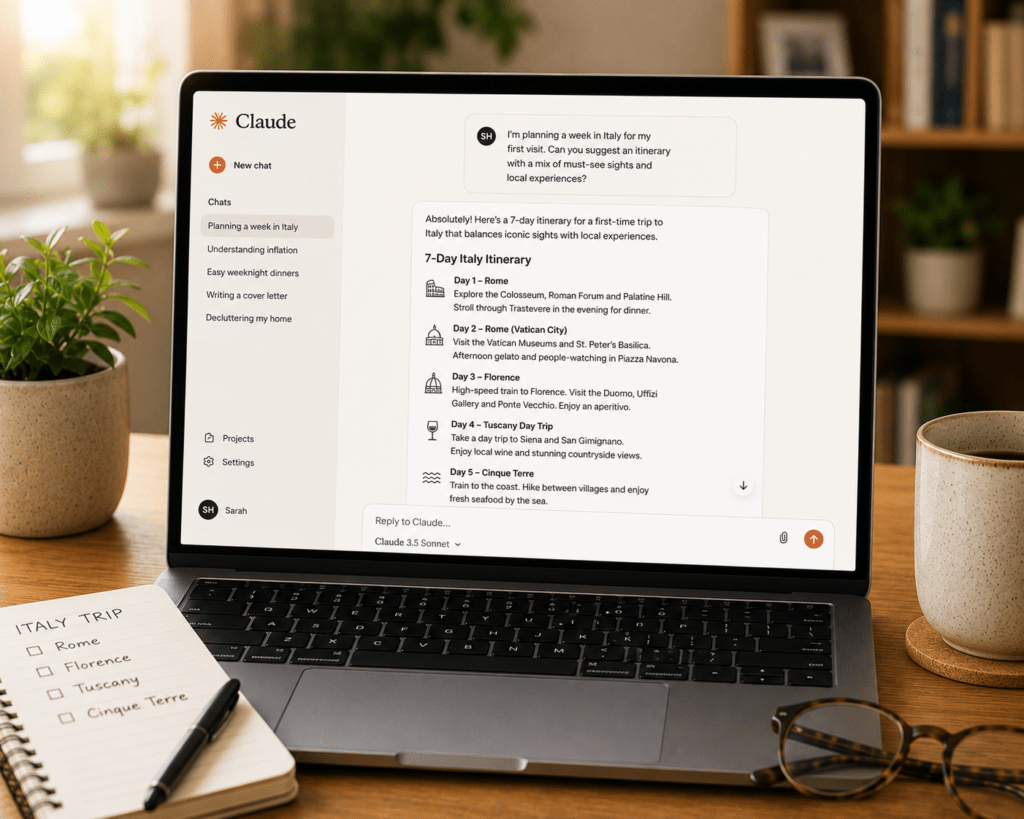
Claude (made by Anthropic) has been quietly gaining ground. When you give it specific instructions — like “keep it under 200 words, conversational tone, no corporate jargon” — Claude actually follows them, which regular users quickly notice. It’s particularly strong for reading and analysing long documents.
Gemini (made by Google) is worth knowing about if you already live inside Google’s world — Gmail, Docs, Drive, Calendar. Its tight integration with Google services is its main selling point, meaning it can reach into your actual emails and documents rather than working in isolation.
Perplexity is worth paying attention to for everyday questions. Unlike the others, it searches the web in real time and shows you its sources — making it the most useful option when you need current, factual information you can verify.
All four have free tiers. You don’t need to pay anything to get started.
What Can AI Actually Do For a Normal Person?
Here’s where it gets practical. Forget the tech demos and the business case studies. For a regular person going about their day, AI can:
Save you time on writing. Drafting emails, writing a complaint letter, putting together a CV, composing a wedding speech — AI can produce a solid first draft in seconds that you then tweak into your own voice. You don’t have to stare at a blank page anymore.
Explain complicated things simply. Got a confusing insurance document? A legal letter you don’t understand? Paste it into ChatGPT or Claude and ask it to explain it like you’re twelve. It will.
Help you think things through. Planning a home renovation, deciding whether to switch jobs, trying to figure out a budget — AI is surprisingly good as a thinking partner. It won’t make decisions for you, but it will lay out considerations you might not have thought of.
Answer questions without a twenty-tab Google session. Instead of opening a dozen websites and piecing together an answer, you can ask AI a direct question and get a direct answer. For straightforward factual questions, this alone saves enormous amounts of time.
Handle repetitive tasks. Summarising meeting notes, formatting a list, turning bullet points into a paragraph — the small tedious jobs that eat your day are exactly what AI does fastest.
What AI Cannot Do (And This Matters)
Knowing the limits is just as important as knowing the capabilities — possibly more so.
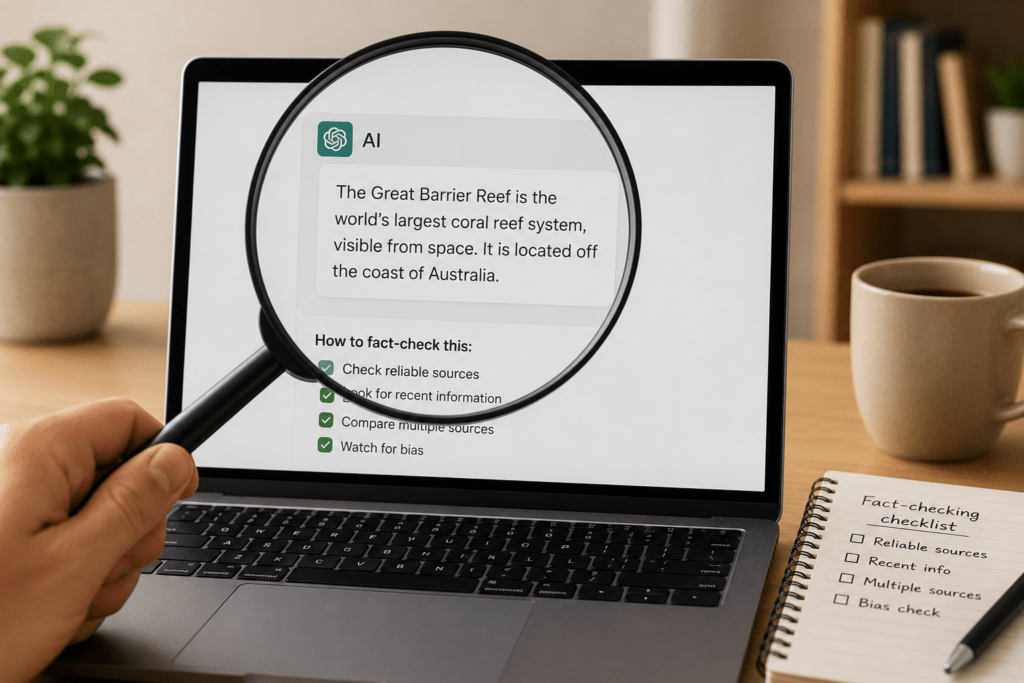
AI makes things up. This is the most important thing to understand. When an AI doesn’t know something, it doesn’t say “I don’t know.” It generates a plausible-sounding answer anyway. This is called a hallucination, and it happens with all AI tools, even the best ones. Always verify important facts, especially anything medical, legal, or financial.
AI’s knowledge has a cut-off date. Most AI models were trained on data up to a certain point in time. Ask it about last week’s news and you may get an outdated or fabricated answer. Perplexity is the exception here, since it searches the web in real time.
AI doesn’t understand context the way humans do. It doesn’t know your situation, your history, or the nuance behind your question unless you tell it. The more context you give, the better the output.
AI is not a therapist, a doctor, or a lawyer. It can give you general information, but it cannot replace professional advice for anything serious.
Do You Need to Be Technical to Use It?
Not at all. If you can type a sentence, you can use AI. The interface for every major AI tool looks like a chat window — you type, it responds. There’s nothing to install for the basic versions, no account configuration required beyond signing up, and no commands to memorise.
The one skill worth developing is knowing how to ask good questions — what the AI world calls “prompting.” The better you describe what you want, the better the result you get. But even without any prompting knowledge, you’ll get useful output immediately. You can build up the skill gradually as you go.
Where Should You Start?
If you’ve never used an AI tool before, here’s the simplest possible starting point:
- Go to claude.ai or chatgpt.com
- Create a free account
- Type something you’d normally Google — a question, a task, something you’ve been meaning to write
- See what comes back
That’s it. You don’t need a plan, a course, or a tutorial. Just start a conversation.
The rest of this blog will walk you through everything from there — specific tools, practical use cases, and step-by-step guides for getting real value out of AI without needing any technical background. Bookmark it, and come back whenever you want to go deeper.